

Duplicate Cleaner
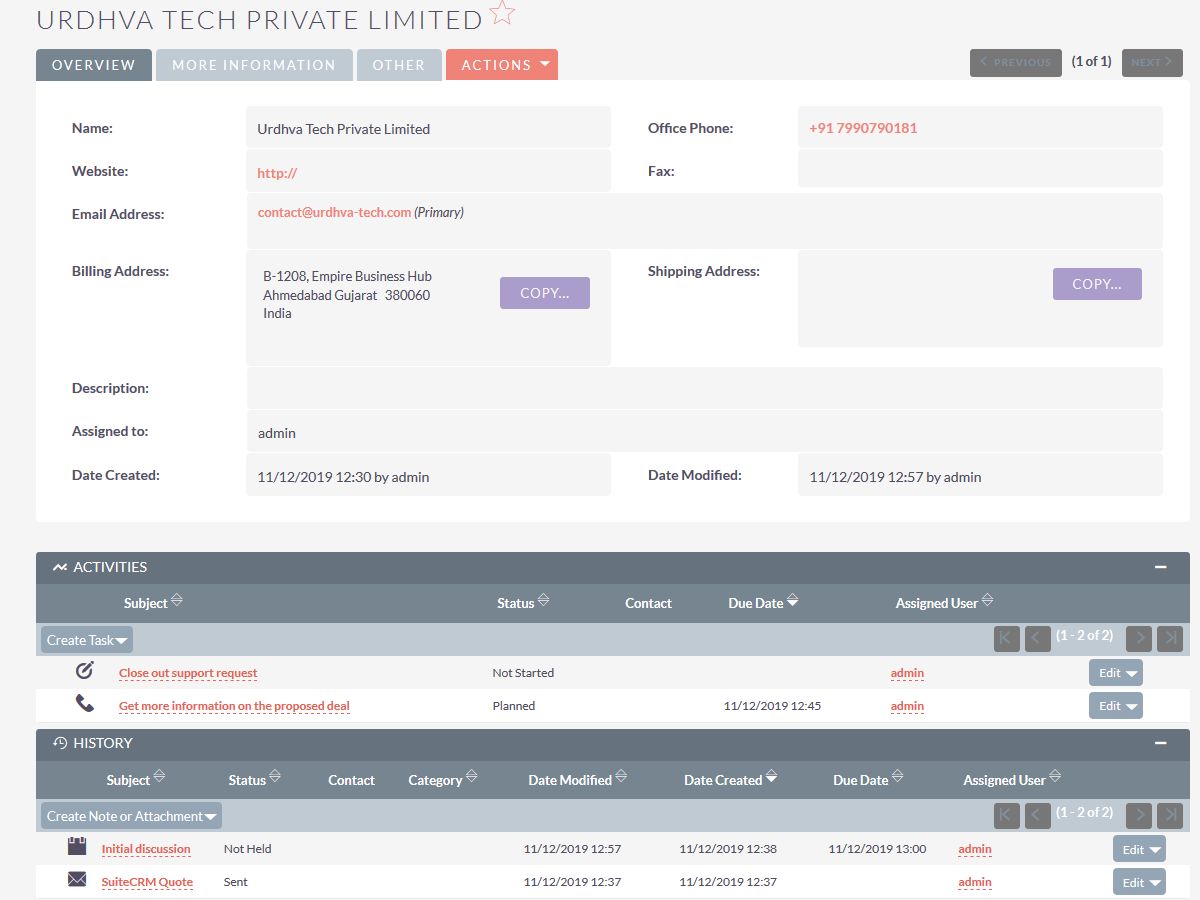
SuiteCRM Duplicate Cleaner
Duplicate Cleaner for SuiteCRM helps businesses identify and merge duplicate CRM records using configurable duplicate detection rules. The SuiteCRM add-on supports core and custom modules, automatic or manual merging, and related record merging to help keep CRM data accurate and consistent.
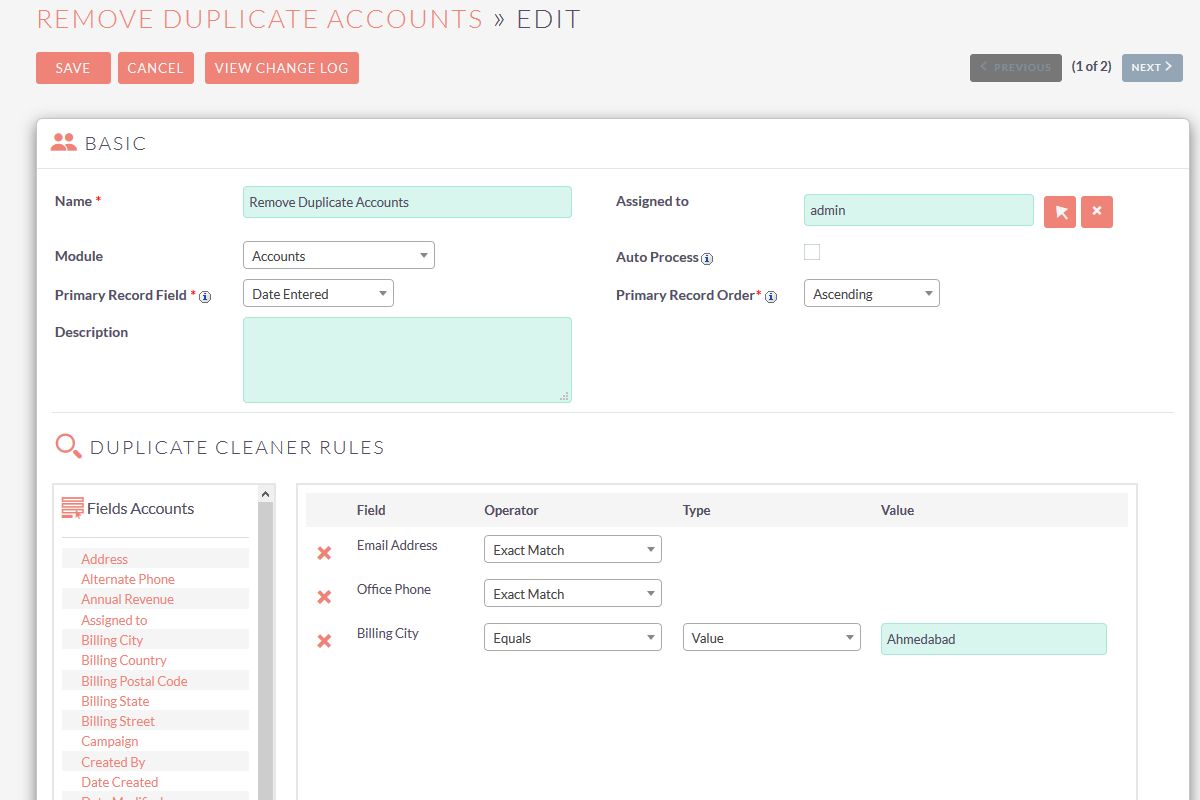
With this SuiteCRM Duplicate Cleaner you can define your own matching rules, review duplicate records, merge them automatically where the auto-merge settings apply, or merge them manually when you need more control. Related CRM information can be moved to the primary record during the merge.
For setup and usage details, see the Duplicate Cleaner for SuiteCRM User Guide.
Key Features of Duplicate Cleaner for SuiteCRM
Use Duplicate Cleaner to find duplicate records in SuiteCRM, configure matching rules from admin, and remove duplicate records through automatic or manual merging. It is one of the SuiteCRM plugins from Urdhva Tech for duplicate record management in SuiteCRM.
Support for Core and Custom Modules
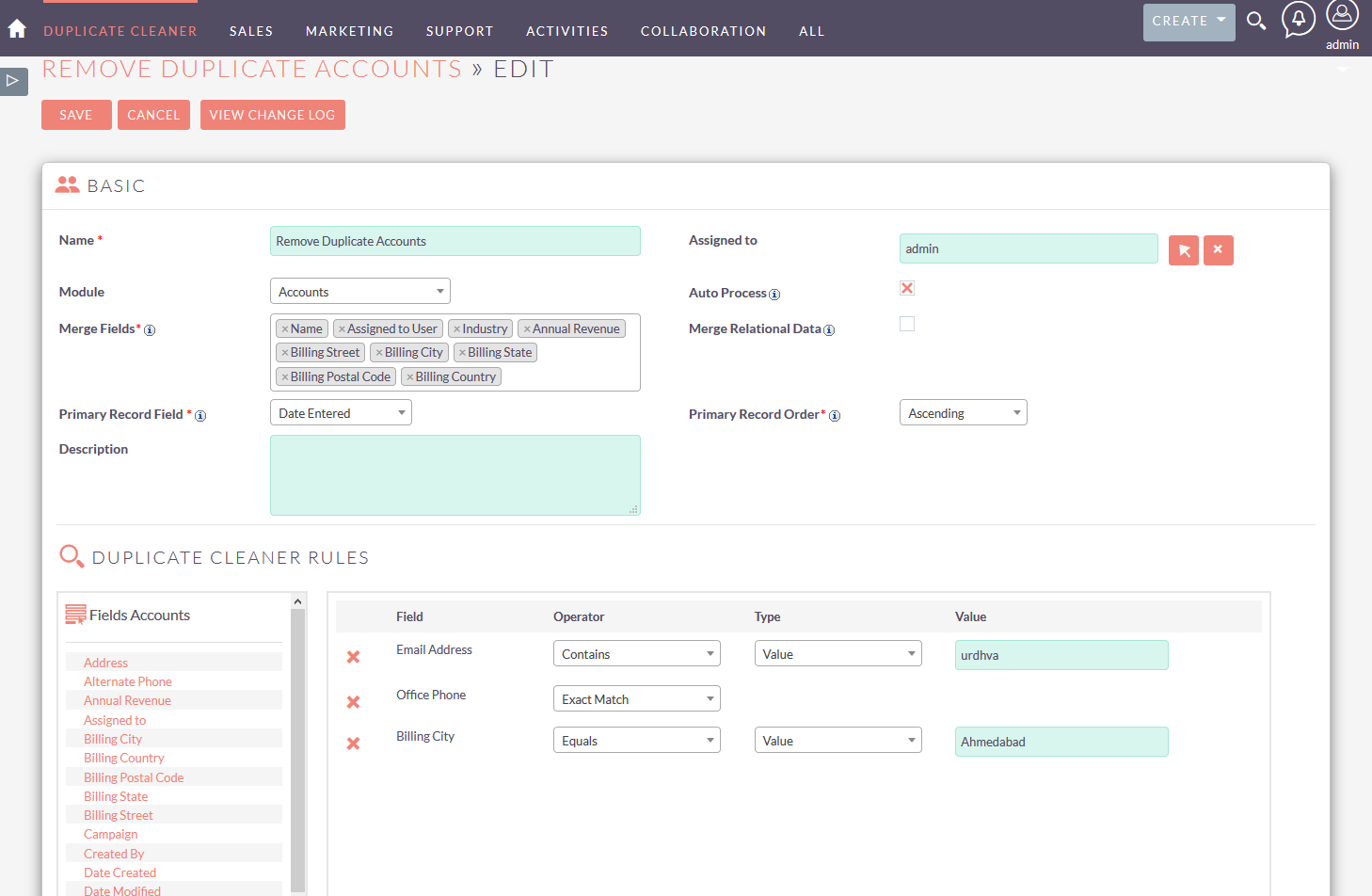
Set up duplicate search rules for SuiteCRM core modules and custom modules. Duplicate Cleaner also supports custom fields, so duplicate detection can follow the data your team actually stores in CRM.
Configurable Duplicate Detection Rules
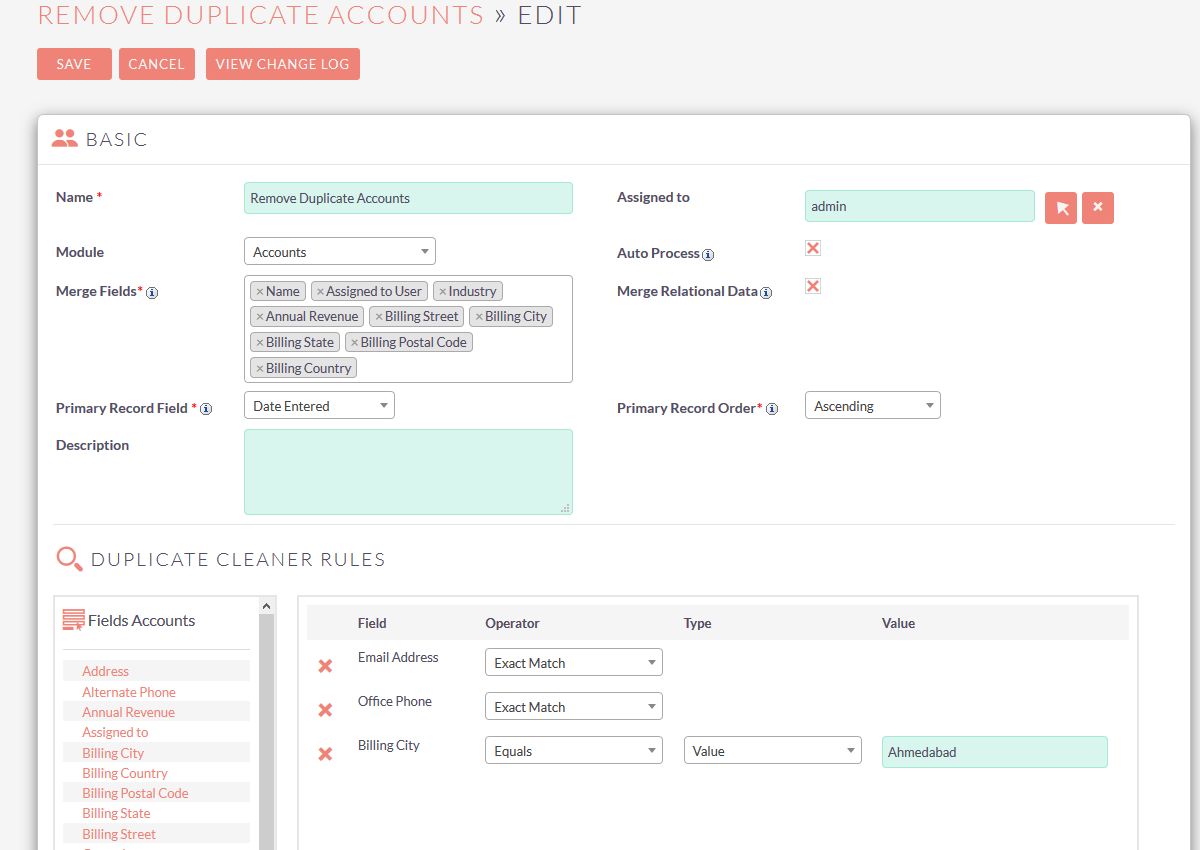
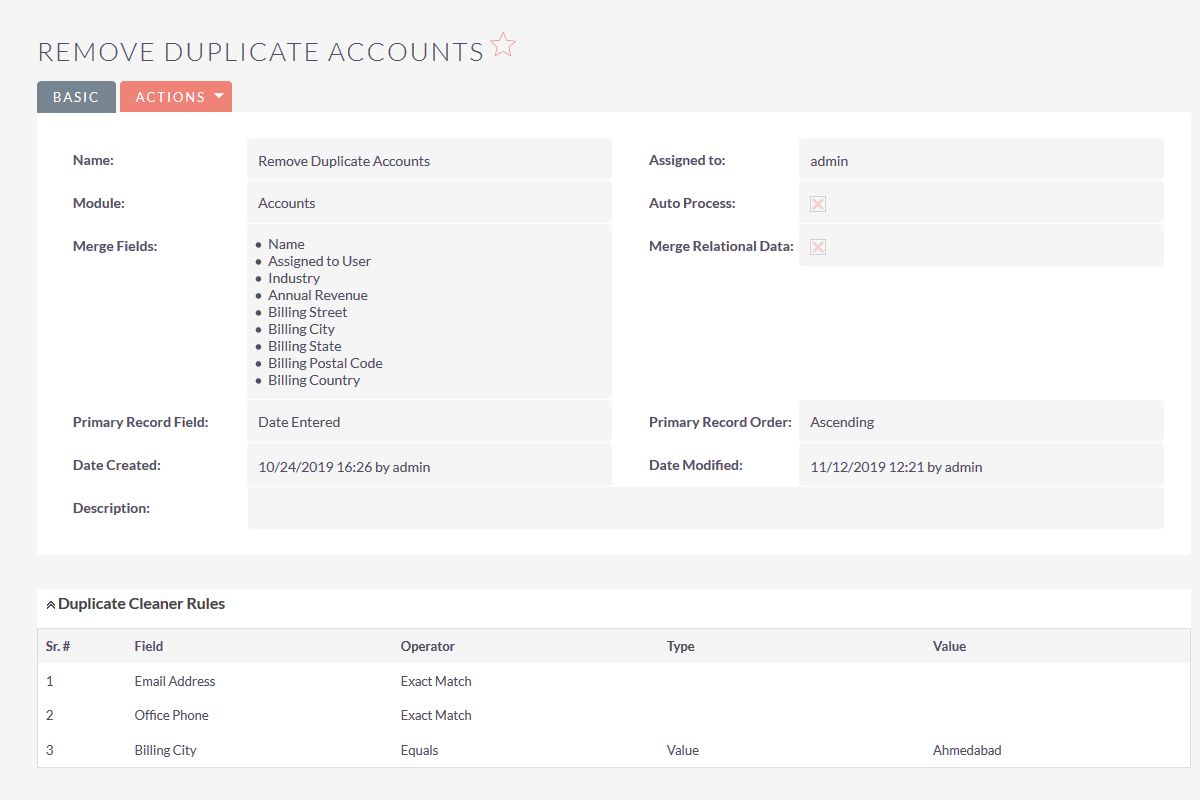
Administrators can configure multiple duplicate detection rules based on the field type. For text fields, conditions can include Equals, Does Not Equal, Contains, Does Not Contain, Starts With, Ends With, Exact Match, Is Empty, Is Not Empty, and other options already available in the add-on configuration.
Automatic and Manual Record Merging
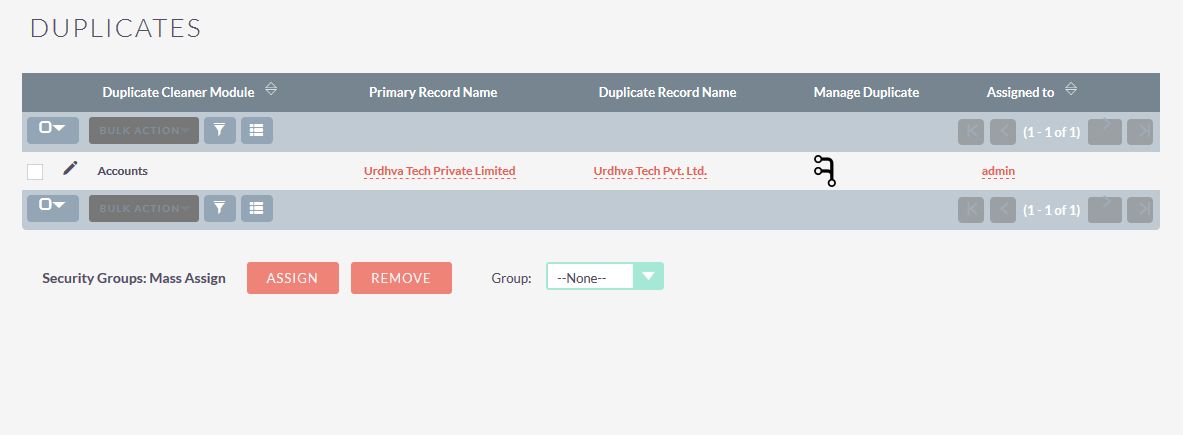
Duplicate Cleaner includes Auto merge and Manual merge. In Auto merge, it searches for matching records based on your duplicate rules and merges them according to the auto-merge settings and the primary record field you selected. In Manual merge, it searches for duplicates based on the same rules and lists them in the Duplicates module, where you can use the merge icons on each record.
Merge Related Records
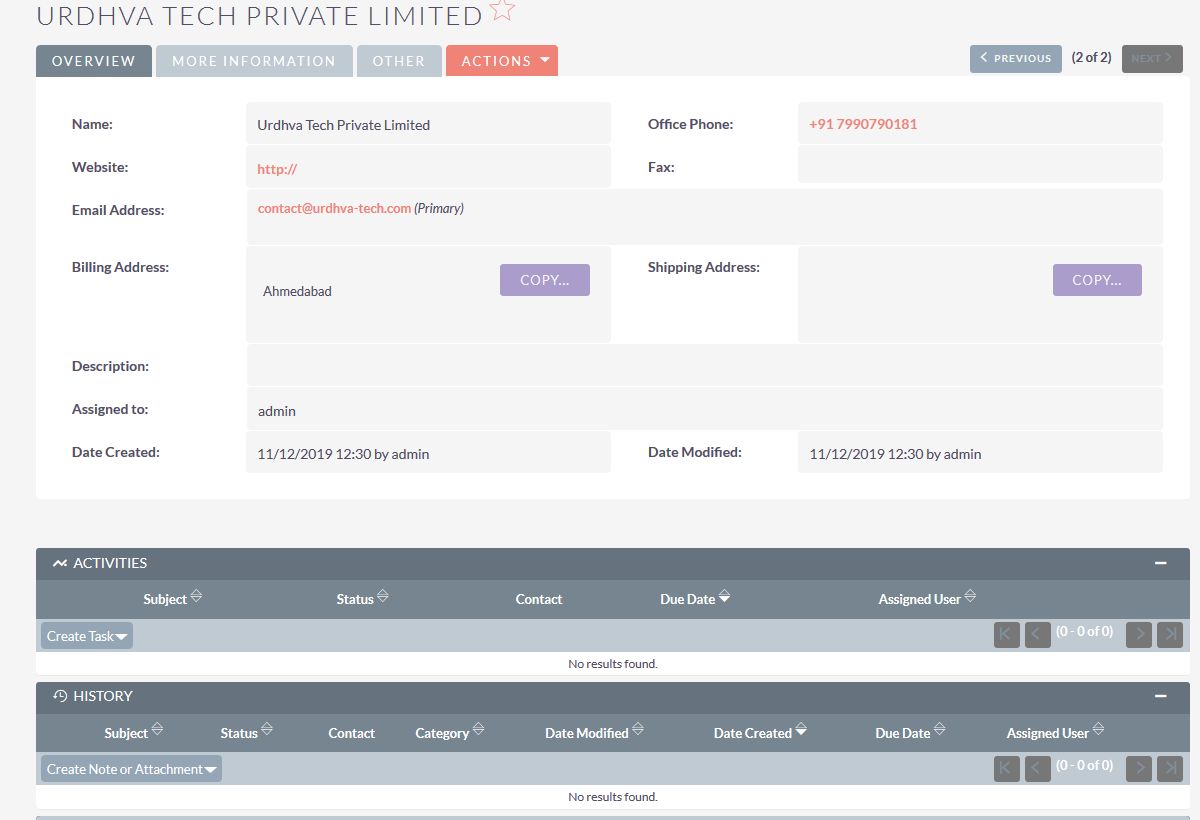
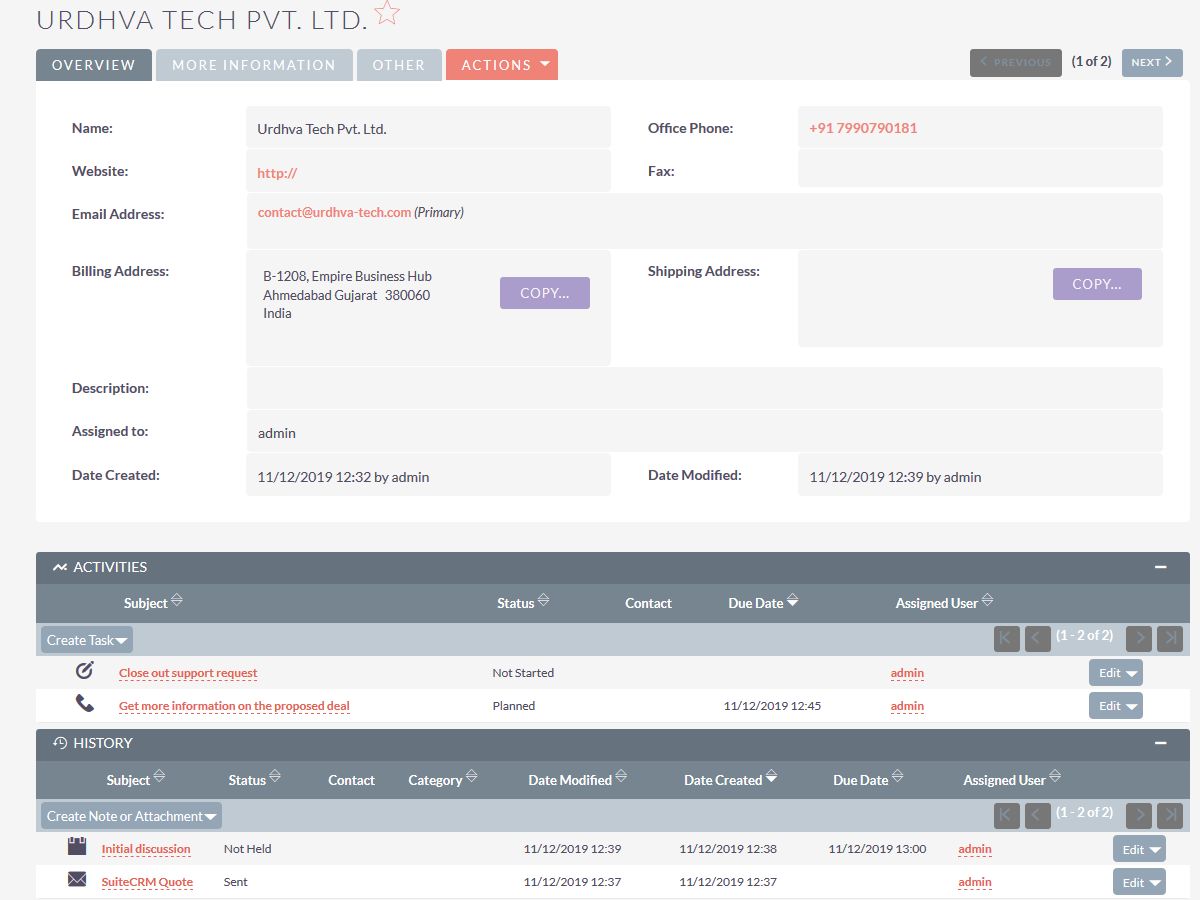
When duplicate records are merged, related CRM information can be moved to the primary record. Relationships belonging to the duplicate record can be associated with the resulting merged record, including related calls, meetings, tasks, and cases.
How Duplicate Cleaner Works
- Select the SuiteCRM module and fields to check for duplicate records.
- Configure duplicate detection rules from the add-on configuration.
- Identify matching records based on those rules.
- Process duplicates automatically using auto-merge settings, or review them in the Duplicates module.
- Merge duplicate records and related information such as calls, meetings, tasks, and cases to the primary record.
Keep Your SuiteCRM Data Clean and Consistent
Duplicate Cleaner for SuiteCRM helps reduce duplicate CRM records and improve data consistency without relying only on manual cleanup. Administrators control matching rules, and related CRM information can stay connected when duplicate records are merged. If you also need custom duplicate processes beyond this add-on, see our SuiteCRM development and customization services.
Frequently Asked Questions
What is Duplicate Cleaner for SuiteCRM?
Duplicate Cleaner for SuiteCRM is a SuiteCRM add-on that finds duplicate records using configurable duplicate detection rules and lets you merge them automatically or manually.
Can Duplicate Cleaner check custom SuiteCRM modules?
Yes. You can set up duplicate search rules for SuiteCRM core modules and custom modules. Custom fields are also supported.
Can I configure my own duplicate detection rules?
Yes. Administrators can configure multiple duplicate detection rules from the add-on configuration. Depending on the field type, conditions can include Equals, Does Not Equal, Contains, Does Not Contain, Starts With, Ends With, Exact Match, Is Empty, and Is Not Empty.
Can duplicate SuiteCRM records be merged automatically?
Yes. In Auto merge, Duplicate Cleaner searches for matching records based on your duplicate rules and merges them according to the auto-merge settings and the primary record field you selected.
Can I manually merge duplicate records?
Yes. Manual merge searches for duplicates based on your rules and lists them in the Duplicates module, where you can use the merge icons on each record.
Can related records be merged when duplicate records are combined?
Yes. Relationships belonging to duplicate records can be merged to the primary record, so related items such as calls, meetings, tasks, and cases can be associated with the resulting merged record.
Which SuiteCRM versions are supported?
Duplicate Cleaner for SuiteCRM supports SuiteCRM 8.8 or greater.
